
Best Practices in Design to Development Handover

12minutes read
design-handovers-to-devs

The transition from design to development is one of the most crucial — yet often overlooked — stages in a digital product lifecycle. A seamless handoff ensures that a design vision becomes a functional, high-quality product without unnecessary delays or miscommunication. In this article, we’ll explore design to dev handoff best practices, essential tools, and actionable tips that will help your team achieve a smooth and efficient process.
Why Handover Matters

The design-to-development handover isn’t just about passing files; it’s about transferring understanding. A poorly executed handover can lead to inconsistent UI, wasted time, and frustration on both sides. When designers and developers align early, projects move faster, bugs decrease, and the final product better reflects the original intent.

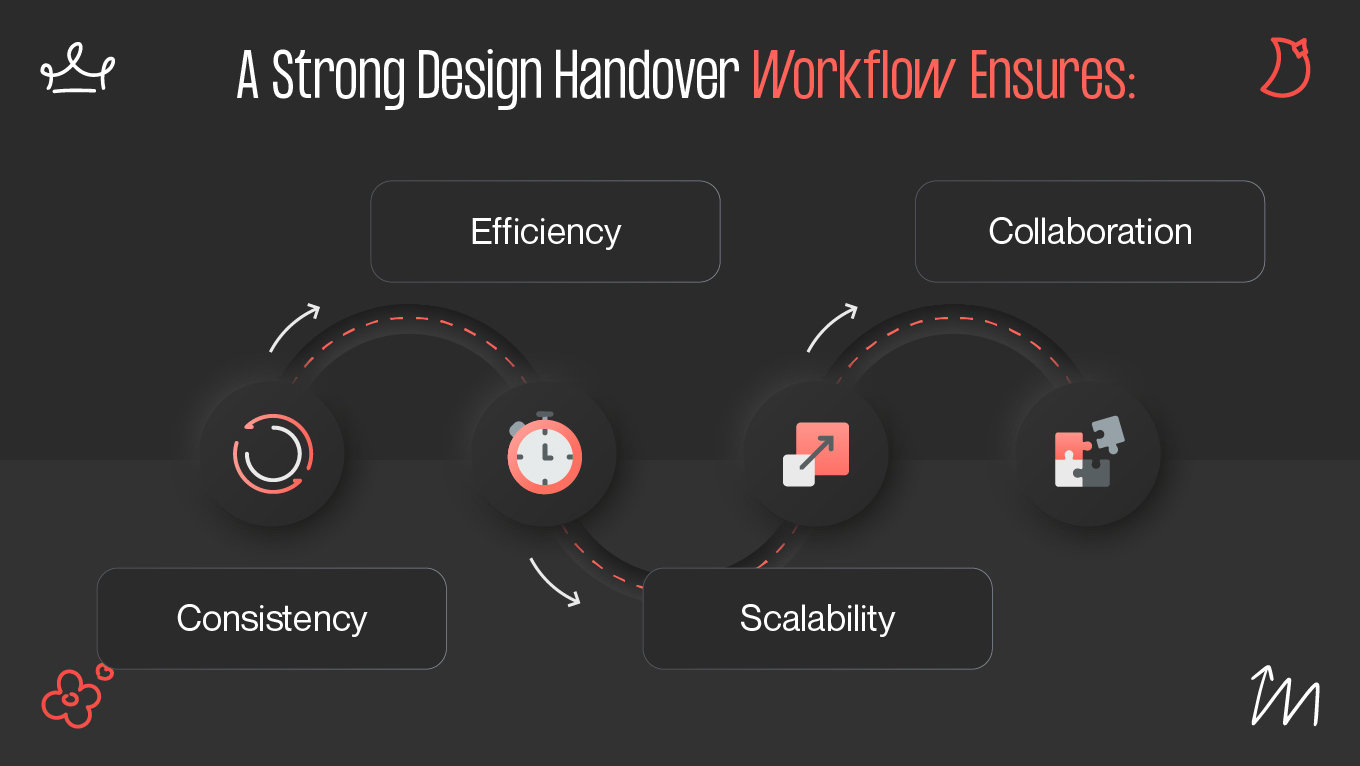
A Strong Design Handover Workflow Ensures:

A strong design handover workflow ensures:

  • Consistency — Developers accurately implement visuals, spacing, and interactions.
  • Efficiency — Reduces redundant explanations and revisions.
  • Scalability — Allows new team members to understand the project’s logic and structure.
  • Collaboration — Encourages mutual respect and communication between design and development teams.

For example, at Gapsy Studio, our design team creates every product with the handoff process in mind. This allows developers to understand the logic, flows, and structure of a project at first glance — speeding up delivery and improving accuracy.

Designer & Developer Alignment

Even with the best tools and polished mockups, a project’s success ultimately depends on how well designers and developers understand each other. Alignment is not just about transferring files; it’s about transferring intent, logic, and empathy for the end user. When both sides collaborate as one product team, every decision — from layout spacing to animation timing — serves the same goal: delivering a consistent, high-quality experience.

1. Building a Shared Understanding Early

The foundation of smooth handoff starts long before the final design phase. Designers should involve developers in early discovery and wireframing sessions, discussing feasibility, performance considerations, and expected user flows. This helps:

  • Identify potential technical limitations (e.g., platform constraints or API dependencies).

  • Avoid costly redesigns later in the cycle.

  • Give developers insight into why certain design decisions were made.

In practice, Gapsy Studio’s design and dev teams collaborate from the first stage of every project. Developers share technical possibilities and performance insights, while designers ensure visual alignment with brand identity and usability standards.

2. Maintaining Unified Documentation Standards

Consistent documentation is the bridge between creativity and execution. While design systems like Figma or Zeplin already include specifications, formal documentation standards make sure every team member interprets them the same way.

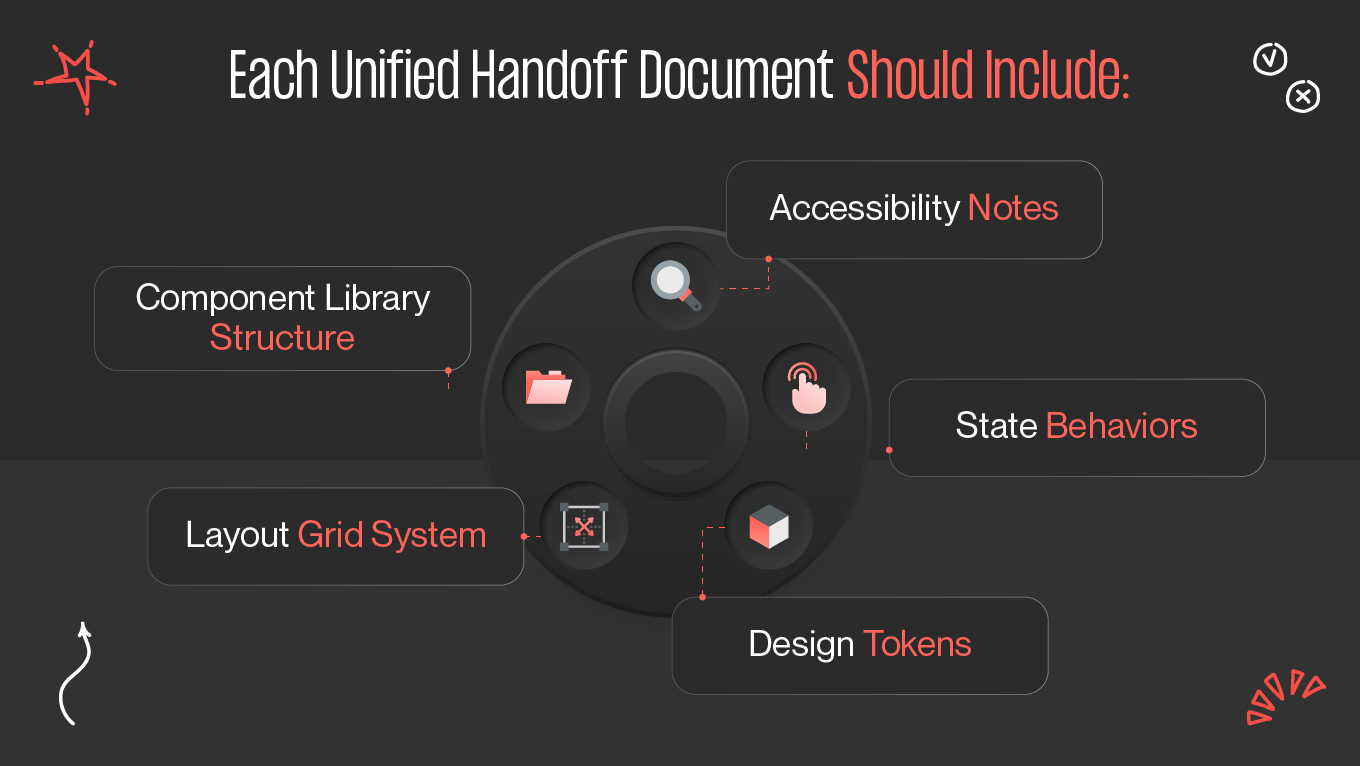
Each Unified Handoff Document Should Include

A unified handoff document should include:

  • Component library structure: naming conventions, reuse logic, and nesting rules.
  • Layout grid system: margin, gutter, and breakpoint definitions.
  • Design tokens: standardized variables for colors, typography, and spacing.
  • State behaviors: hover, pressed, disabled, focus, and animation states.
  • Accessibility notes: contrast ratios, text hierarchy, and alt text requirements.

At Gapsy Studio, every project includes a “handover package” — a combination of the Figma file, prototype, and design documentation hosted in Notion or Confluence. This ensures long-term consistency and easy scalability for future updates.

3. Establishing Clear Communication Channels

A flawless design handover workflow requires transparent and ongoing communication. Tools like Slack, Notion, Jira, or Trello help keep discussions structured, while regular design reviews minimize misunderstandings.

Here’s how to maintain effective communication:

  • Hold weekly sync meetings between designers and developers.
  • Use comment threads inside design tools (like Figma) for context-specific feedback.
  • Maintain a single source of truth for decisions — whether in Notion, Jira, or Confluence.
  • Encourage a culture where questions are welcomed early instead of issues appearing late.

The handoff is not a one-time event — it’s a dialogue. Encouraging real-time feedback loops ensures smoother iterations and faster problem-solving.

4. Promoting Cross-Disciplinary Empathy

True alignment happens when both teams appreciate each other’s craft. Designers should understand how designs are implemented (and the complexity behind “simple” animations), while developers should appreciate the reasoning behind UX decisions.

Practical steps to foster empathy include:

  • Designers testing coded components in staging environments.
  • Developers providing UI feedback during design QA sessions.
  • Joint post-launch reviews, where both teams analyze what worked and what could improve.

This cross-disciplinary mindset transforms collaboration from transactional (“here’s the file”) to relational (“let’s build something great together”).

5. Creating Feedback Loops and Iteration Cycles

A great handoff doesn’t end once development begins — it evolves. Establish structured feedback loops for post-handoff collaboration:

  • Designers review staging builds and log visual or UX discrepancies.
  • Developers flag performance or scalability issues to refine design components.
  • Both teams discuss edge cases that weren’t covered in the initial design.

Continuous iteration ensures that the final product aligns with both the design vision and technical realities, resulting in a smoother release cycle.

Checklist & Tips

A structured checklist can turn a chaotic handoff into a predictable, repeatable process.

Design to Dev Handoff Checklist

Before handoff:

  • All screens are finalized and organized logically.
  • Components follow consistent naming.
  • Auto layout and constraints are applied.
  • Color, typography, and spacing tokens are documented.
  • Interactive prototypes are ready and linked.
  • Notes and annotations explain edge cases or logic.

During handoff:

  • Assets are exported in proper formats (SVG, PNG, WebP).
  • Style guide or design system is shared.
  • Developers have access to inspect mode.
  • Interaction behavior is discussed live.

After handoff:

  • QA feedback loop is established.
  • Design updates are version-controlled.
  • Any changes are documented and approved by both sides.

Pro Tips for Better Handover

  • Use Figma variables for consistent design-to-code mapping.
  • Keep your design system up to date.
  • Record a walkthrough video for complex features.
  • Create a “handover doc” summarizing screens, flows, and priorities.

Schedule a joint review meeting after handoff to address questions.

Final Thoughts

Smooth collaboration between designers and developers is what transforms a good design into a great product. By following structured workflows, adopting effective dev handoff tools, and maintaining clear communication, teams can reduce friction and achieve exceptional results.

At Gapsy Studio, we integrate these design to dev handoff best practices into every project — ensuring that creativity, usability, and technical excellence come together seamlessly. Great products start with great design. If you want a team that handles both vision and execution, we’re ready. Get in touch.

Rate this article

20 ratings
Average: 4.9 out of 5

If you like what we write, we recommend subscribing to our mailing list to always be aware of new publications.

Do you have any questions? We tried to answer most of them!